How to update AUX MCU on KIISU V4BR using Companion Bridge app

If your KIISU V4B/V4BR is acting slow. Chances are you haven’t updated your AUX MCU. To do that easily using only your KIISU and a USB-C cable for power.


Find updated firmware on our Github

Step 1: Plug in KIISU V4BR via USB-C

In order to update the AUX MXU, KIISU Devboard needs to be plugged into an external power source.

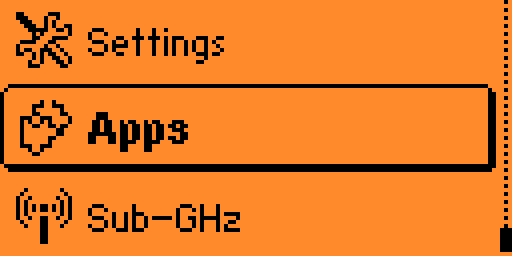
Step 2: Open Main Menu and navigate to Apps

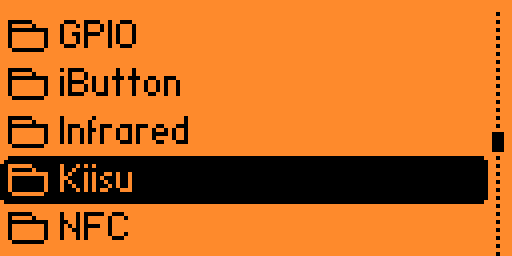
Step 3: Navigate to "Kiisu" folder

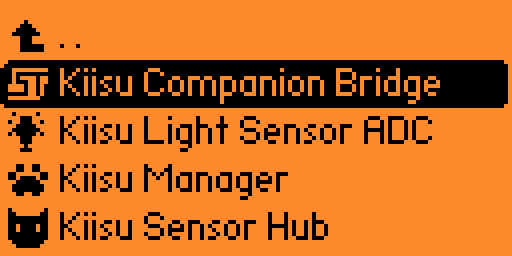
Step 4: Open Kiisu Companion Bridge app

Step 5: Press Enter to Select BIN file

Step 6: Navigate to "apps_assets /kiisu_companion_bridge /companion_fw/" folder

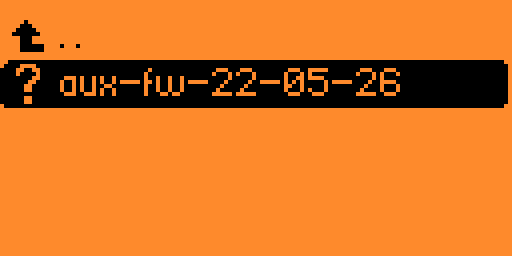
Step 7: Select "aux-fw-xx-xx-xx"

Step 8: Wait for the warning to pass and press Enter

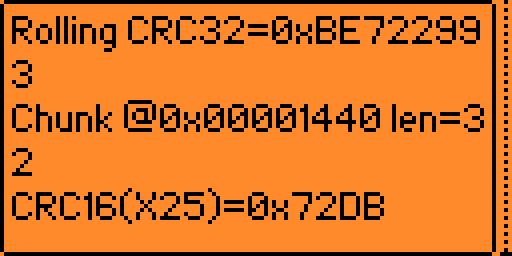
Step 9: Wait for 2-4 minutes and follow on-screen instructions

Shopping Basket